![SpacetoCo_Logo2_black.png]](https://support.spacetoco.com/hs-fs/hubfs/SpacetoCo_Logo2_black.png?height=50&name=SpacetoCo_Logo2_black.png)
To manage your email notification preferences:
- Go to Account Settings > Notifications in your dashboard.
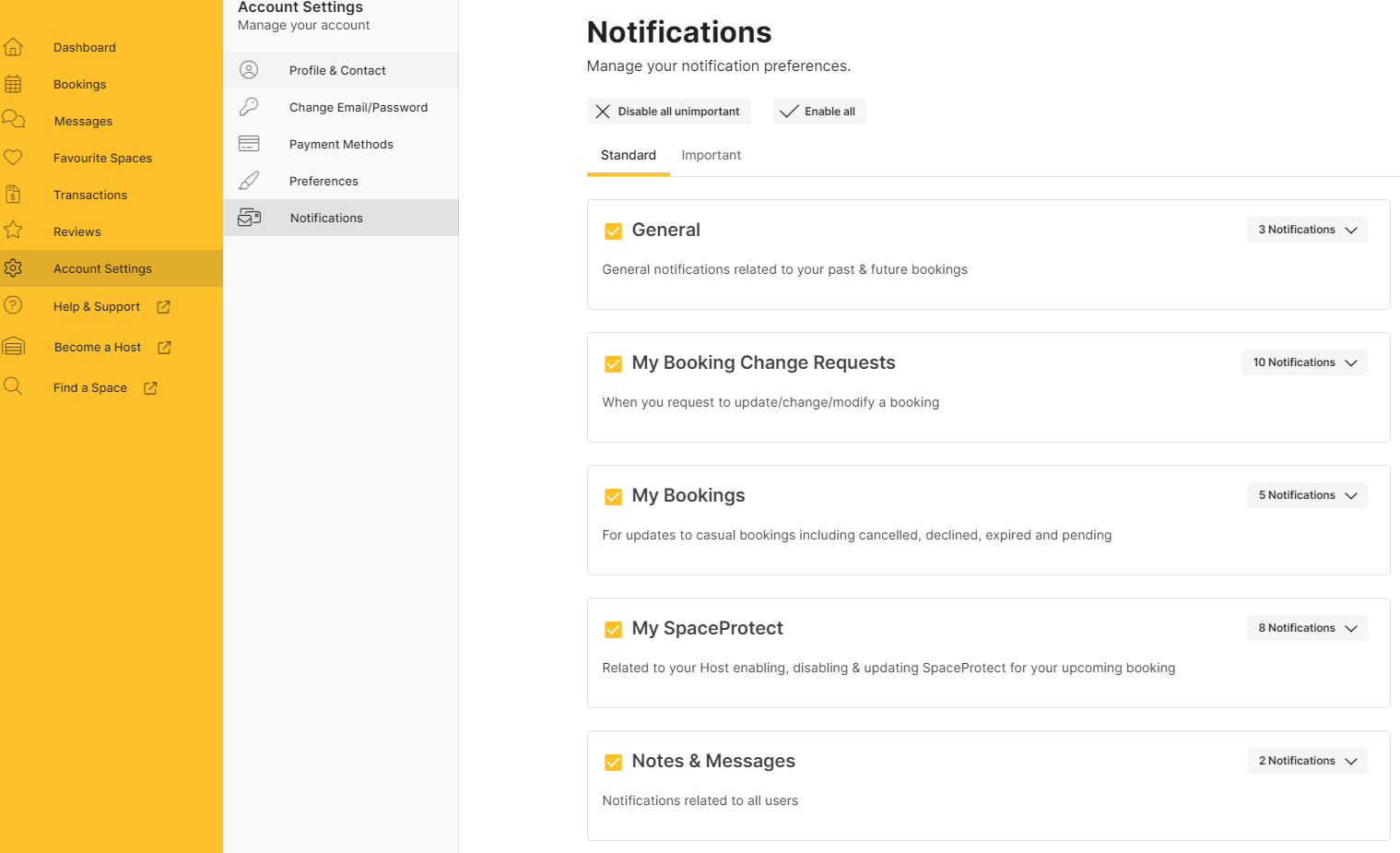
- View your notification preferences organised under the Standard and Important tabs.
- Use the toggle switches to enable or disable individual notifications or categories as needed.
Standard Notifications
Standard notifications cover general updates and reminders across the platform.
Important Notifications
Important notifications cover critical transaction and account alerts.
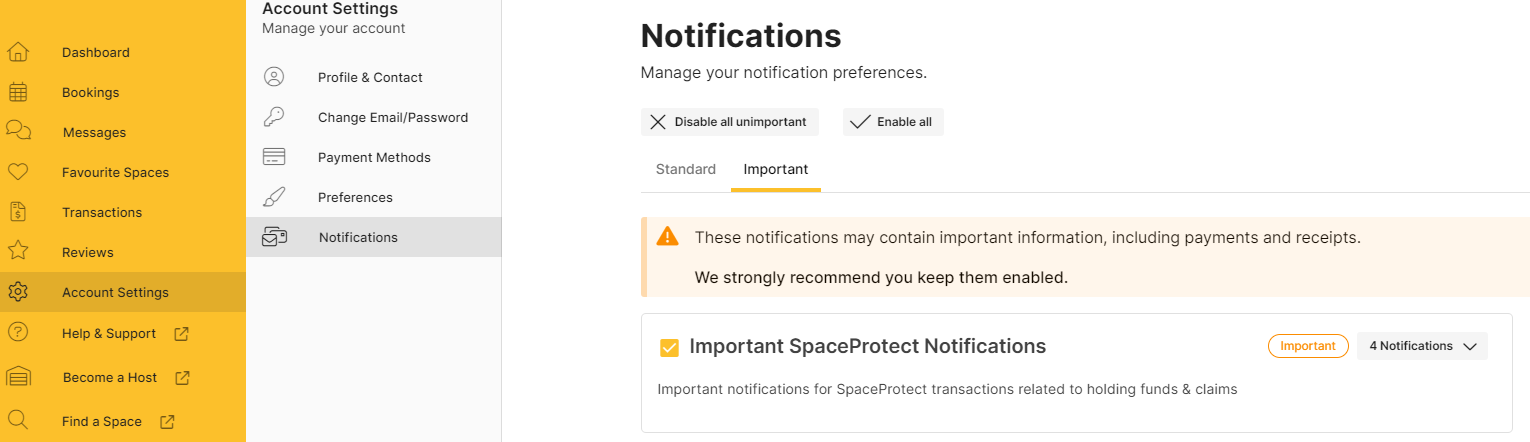
🚫 Note: It is strongly recommended to keep Important notifications enabled so you do not miss critical account or booking updates.
If you want to set up routing rules or direct specific notifications to other team members, learn how to configure Advanced Notification Settings. You can also reach out to support via email at info@spacetoco.com for assistance.